What if you could double your Screen real Estate without doubling your hardware? Imagine running a presentation on one monitor while streaming reference material on another-both fed from a single HDMI source. That’s not sci-fi. It’s happening now, and it starts with a simple but powerful tool hiding in plain sight.
We’re not talking about clunky workarounds or software hacks that drain system performance. This is about Physical signal distribution-clean, reliable, and instant. And in high-stakes environments where every second counts, from control rooms to creative studios, the ability to mirror or extend content across two Displays Is no longer a luxury. It’s a necessity.
Welcome to the era of precision display management. Where split-second decisions rely on Seamless visual Access, the right hardware becomes a force multiplier. Let’s break down how this works-and why it matters.
The Core Problem: One Output, Two Needs
You’ve got one HDMI port. But you need two screens active. Maybe you’re a designer comparing color grading side by side. A trader monitoring multiple markets. Or a presenter syncing a laptop to both a projector and a confidence monitor.
So what do you do? Unplug and swap? Juggle inputs mid-meeting? That’s not just inefficient-it’s unprofessional.
The bottleneck isn’t your skill. It’s your Signal path. HDMI was built for point-to-point connections: one source, one display. But modern workflows demand flexibility. And when your hardware can’t keep up, your productivity stalls.
That’s where signal splitting enters the equation. Not as a gimmick, but as a tactical upgrade. Think of it like rerouting traffic through a well-designed interchange-same origin, multiple destinations, no gridlock.
How Signal Splitting Actually Works
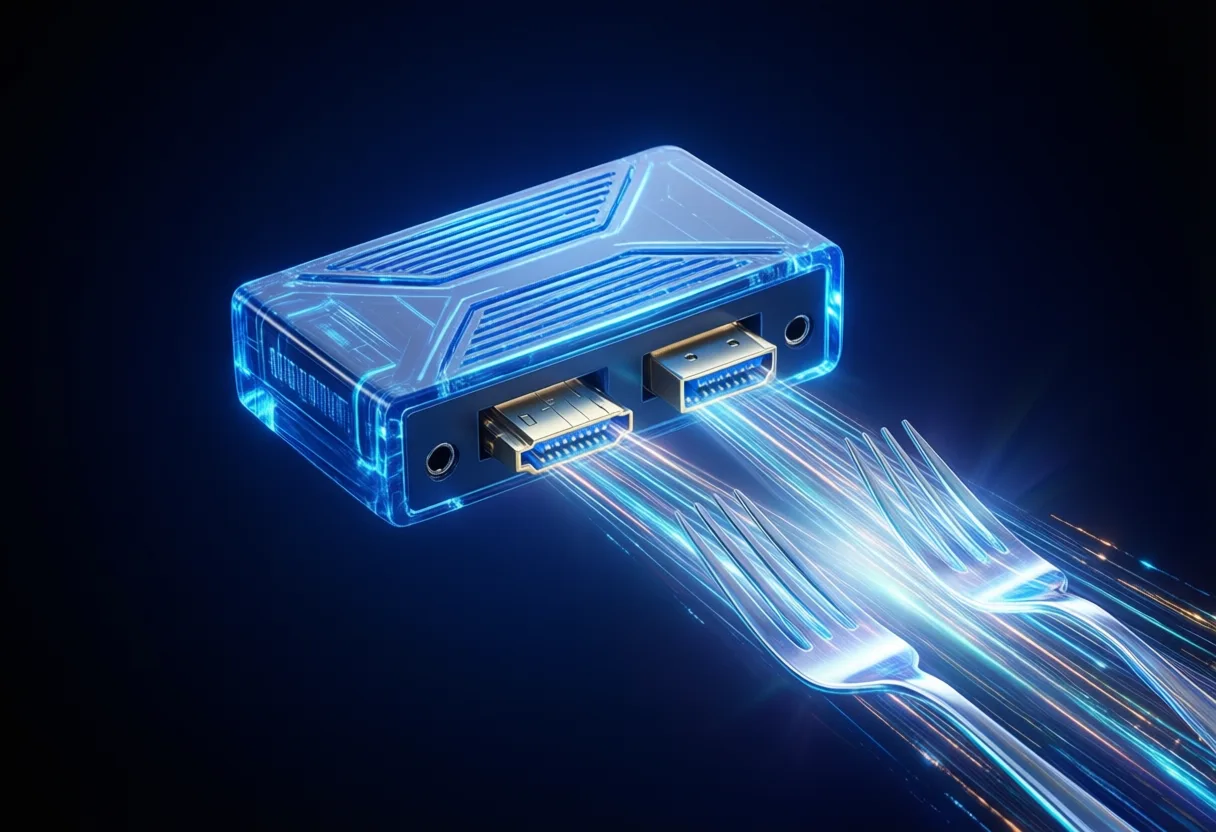
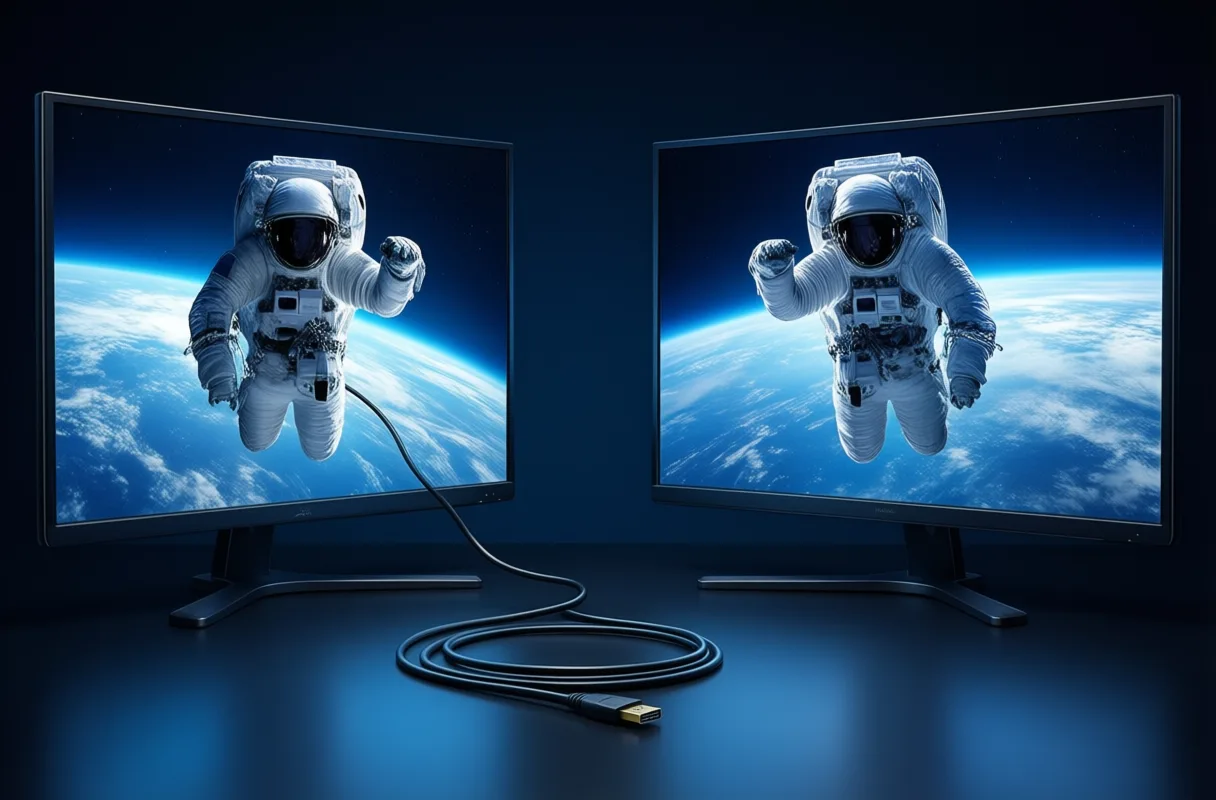
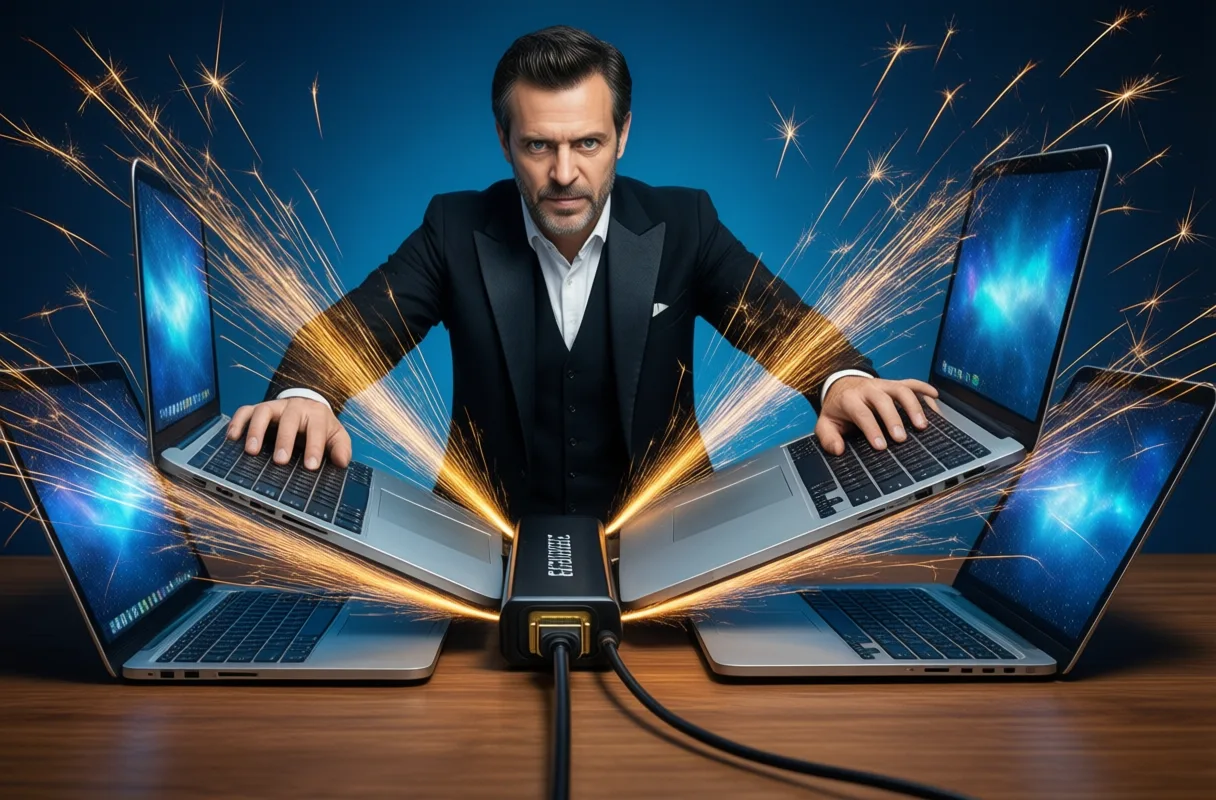
An HDMI splitter takes a single output and duplicates the signal to two (or more) displays. A two-way version does exactly that-One in, two out-without degrading resolution, refresh rate, or audio sync.
It’s not magic. It’s engineering. The device buffers and re-drives the digital signal, ensuring both displays receive a full-strength copy. No data loss. No latency spikes.
Some assume splitting means halving quality. That’s a myth. HDMI uses digital signaling-either the data arrives intact, or it doesn’t. There’s no “half” signal. As long as the splitter supports the source’s bandwidth (like 4K@60Hz or HDR), both screens mirror perfectly.
And here’s the kicker: No drivers, no setup. Plug in the source. Connect the displays. Power on. Done. It’s plug-and-play at its most effective.
When Mirroring Makes the Difference
Why mirror instead of extend? Because sometimes, Consistency is critical.
In training rooms, instructors need the audience to see exactly what they see. In medical imaging, a duplicated feed ensures both surgeon and assistant view the same real-time scan. In broadcasting, confidence monitors keep talent aligned with what’s live.
Even in live events, a duplicated signal means redundancy. If one display fails, the other keeps running-no interruption, no panic.
And let’s not overlook collaboration. When everyone’s looking at the same high-fidelity image, decisions happen faster. Miscommunication drops. Trust rises.
This isn’t about convenience. It’s about Operational integrity. One source. Two eyes. Zero doubt.
Extending the Possibility: Beyond the Basics
But what if you don’t want duplication? What if you need two different views?
Then a splitter alone won’t cut it. You’ll need a source that supports extended desktop mode-like a laptop or workstation with multi-display capability. The splitter still plays a role, but only if both displays are treated as clones.
Want true extension? That’s GPU territory. The splitter handles signal distribution; the graphics card handles screen logic.
Still, the splitter remains the foundation. Without it, you’re limited by physical ports. Add one, and you unlock configurations that scale.
Imagine:
- A video editor with timeline on one screen, preview on another-both fed from a single output.
- A security operator with camera grids mirrored across two walls.
- A classroom where front and rear displays show the same lecture content in perfect sync.
The applications aren’t just practical. They’re transformative.

Choosing the Right Tool for the Job
Not all splitters are equal. Some handle 1080p but choke on 4K. Others support HDR but introduce audio lag. And cheap models? They fail under sustained load.
Look for Bandwidth compatibility. If your source outputs 18Gbps, your splitter must match it. Otherwise, you’ll drop resolution or color depth-silently.
Power matters too. Passive splitters steal power from the HDMI line. That works for short runs. But for dual 4K displays, External power is non-negotiable. It stabilizes the signal, especially over longer cables.
And don’t forget HDCP. If you’re streaming protected content-Netflix, Disney+, secure corporate feeds-you need a splitter that complies. Otherwise, you’ll get a blank screen or “protected content” error.
Bottom line: Match the splitter to your source specs, not the other Way around.
The Bigger Picture: Infrastructure as Strategy
This isn’t just about cables and ports. It’s about System design.
In high-performance environments, every component is a node in a larger network. A single point of failure can cascade. A bottleneck can cripple output.
By enabling dual displays from one source, you’re not just adding screens. You’re building redundancy. Enhancing visibility. Future-proofing workflows.
Think like an architect. What happens when demand doubles? When resolution jumps to 8K? When latency becomes mission-critical?
The right splitter today is a small investment with exponential returns tomorrow.
Because in the end, technology isn’t about gadgets. It’s about Control. Control over your environment. Your time. Your outcomes.
And when you can send one signal to two displays-flawlessly, instantly, reliably-you’re not just upgrading hardware. You’re upgrading your capacity to act.
Splitting Signals Without the Split Headaches
Ever wonder how one HDMI port can feed two screens at once? That’s the magic of an HDMI two-way splitter. Unlike switches that let you choose between sources, a splitter takes a single HDMI signal and copies it exactly to two displays. It’s perfect for showing the same content on a monitor and a TV, or setting up dual screens in a classroom or retail space. No special setup needed-just plug in, and both screens mirror the input.
A Copy, Not a Compromise
One neat thing about HDMI splitters is they don’t downgrade your picture-assuming you’re using a decent cable and the splitter supports the right resolution. Many modern splitters handle 1080p or even 4K, so your movie night or presentation stays sharp on both screens. They’re also plug-and-play, meaning no drivers or software. Just connect the source-like a laptop or game console-to the splitter, then run HDMI cables from the splitter to each display. Power usually comes from a small adapter, keeping things simple.
Not Just for TVs and Monitors
These little boxes have found quirky uses beyond home theaters. Some people use them in photo booths, sending the same live preview to two screens for guests on both sides. Others set them up in kitchens, duplicating a recipe video on two displays for easier viewing. And because they’re small and quiet, you can tuck them behind furniture or mount them discreetly. Think of them as the unsung helpers making dual-screen setups look effortless. Explore more stories, videos, and creators on Loaded.
Frequently Asked Questions
What does an HDMI two-way splitter do?
An HDMI two-way splitter takes a single HDMI signal and duplicates it to two displays. It allows both screens to mirror the exact same content simultaneously without degrading resolution or audio sync.
Does using an HDMI splitter reduce video quality?
No, HDMI splitters do not reduce quality if they support the source's bandwidth. Digital signals are either transmitted fully or not at all, so both displays receive a full-strength copy when the splitter is compatible.
Can an HDMI splitter extend displays instead of mirroring them?
No, an HDMI splitter only mirrors the same content on both screens. To extend the display, the source device must support extended desktop mode, and the graphics card handles the screen logic.
Do I need a powered HDMI splitter?
For dual 4K displays or longer cable runs, a powered splitter is necessary. External power stabilizes the signal, while passive splitters may fail under sustained load or higher resolutions.
This article was produced with AI assistance. How Neuron Magazine uses AI.
Malik dissects how artificial intelligence transforms decision-making in governments and corporations, tracking algorithmic power shifts and policy gaps. He writes with clarity and urgency, making high-stakes tech strategy accessible without oversimplifying its risks.