
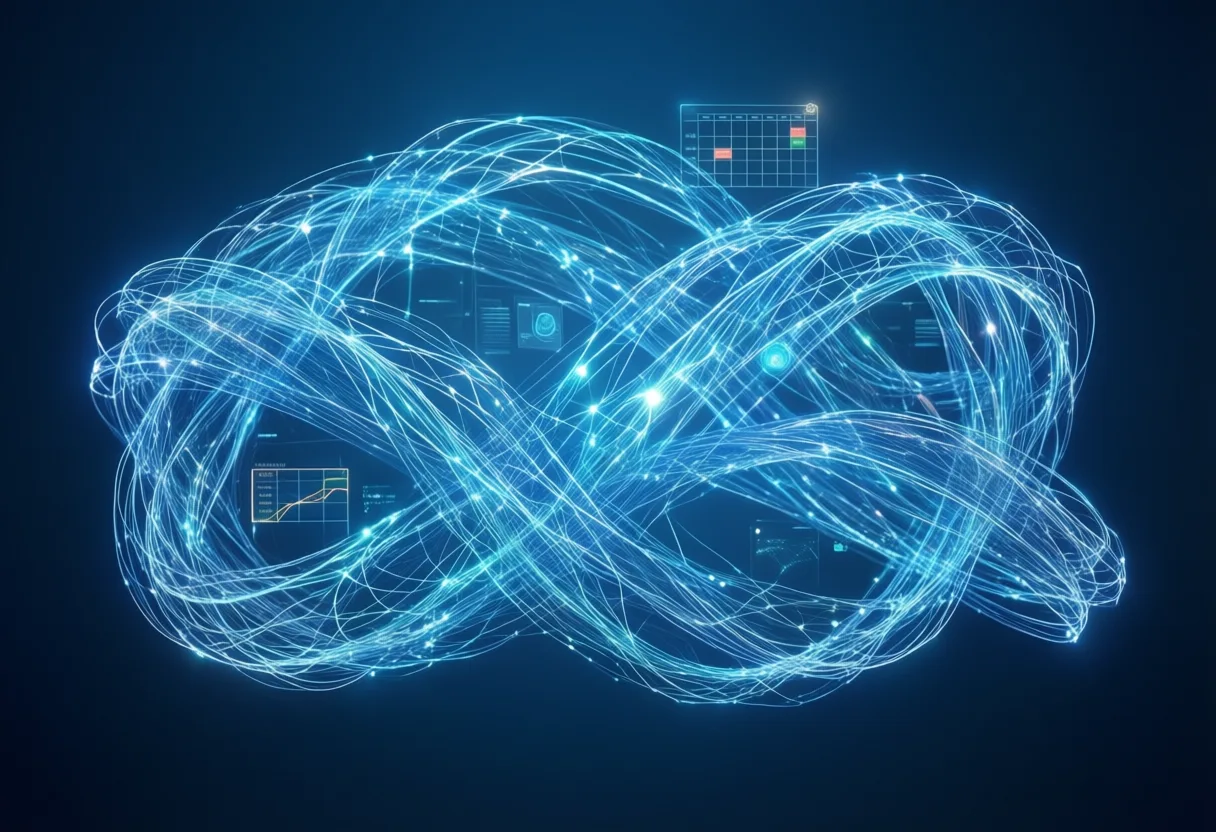
Imagine waking up to a plan that already knows your schedule-before you check your email. What if your to-do list didn’t just list tasks, but rearranged itself based on what actually matters Today?
This isn’t science fiction. A new wave of Intelligent tools Is reshaping how professionals manage their time. And at the center of it all: an artificial intelligence app that doesn’t just react-it anticipates.
No more frantic scrambling. No more forgotten meetings. The shift isn’t about Working harder. It’s about working Smarter, with a digital partner that thinks ahead.
What Makes This Tool Different from Traditional Planners?
Most planners are static. You input tasks. You set reminders. Then you’re on your own. They don’t adapt. They don’t learn. They just sit there.
This tool? It’s alive in a way old-school apps could never be. It observes patterns. It detects delays. It adjusts timelines in real time.
Think of it like upgrading from a paper map to a GPS that knows traffic, weather, and your driving habits-all without asking.
- It learns when you’re most productive and schedules demanding tasks accordingly
- It detects when meetings run long and reschedules follow-ups automatically
- It integrates across calendars, email, and project tools to build a unified view of your day
Traditional planners demand discipline. This one brings intelligence. It’s not about remembering more-it’s about Thinking More Clearly.
You’re not just logging tasks. You’re delegating mental labor to a system that never gets tired.
From Morning Routines to Deadline Crunches
Your morning sets the tone. But how often does it start with chaos? Coffee, emails, last-minute calls-before you’ve even decided what to focus on.
Now picture this: the app surfaces your top three priorities the moment you unlock your phone. It knows you have a big presentation at 3 PM. It blocks focus time. It silences non-urgent notifications.
And when an urgent request lands at 11 AM? The app recalculates. It shifts lower-priority items, sends a polite delay notice to stakeholders, and protects your deep work window.
During crunch time, it doesn’t just track progress-it predicts outcomes. If a project is trending behind, it flags risks early. It suggests reallocating time or resources before things spiral.
No more guessing. No more overcommitting. The app turns pressure into precision.
It’s like having a co-pilot who’s always scanning the horizon.
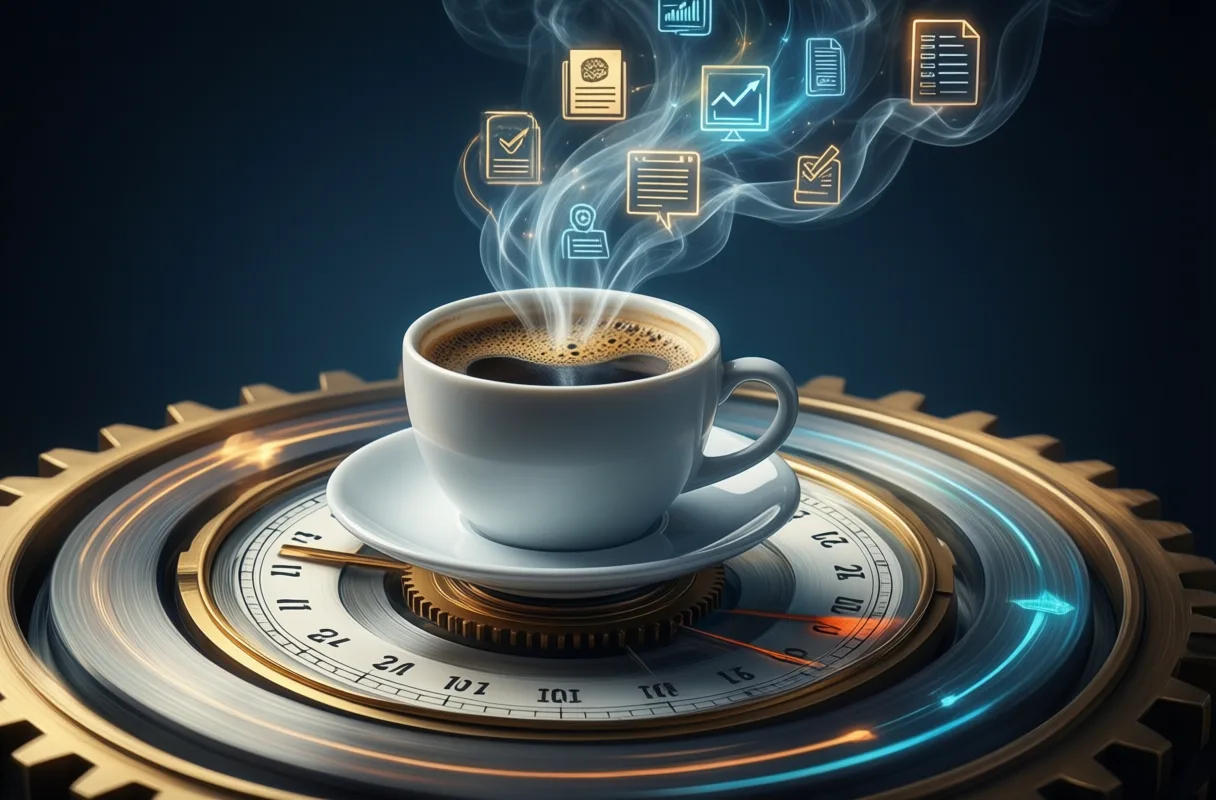
Can Technology Actually Reduce Mental Load?
We carry invisible weight every day. The Did-I-reply-to-that-email Anxiety. The What-should-I-work-on-now Paralysis. The I-forgot-to-schedule-that-call Dread.
This isn’t just about productivity. It’s about cognitive bandwidth. Every unresolved task eats a piece of your focus.
So can Technology Truly lighten that load? Yes-but only if it does more than remind. It must Decide.
The best tools don’t just offload memory. They offload judgment. They answer the question: What matters most, right now?
When the app reschedules a task because it detects fatigue in your work patterns, that’s reduction of mental load.
When it hides low-priority items during a focus block, that’s cognitive relief.
When it confirms a meeting time across time zones without you lifting a finger, that’s peace of mind.
This isn’t automation for the sake of speed. It’s automation for clarity.
And clarity? That’s the new currency of high performance.
The Hidden Layer: Context-Aware Suggestions
Most apps react. This one Understands. It doesn’t just see your calendar-it reads the room.
Context-aware suggestions Are the quiet superpower behind the interface. They’re the reason users feel like the app “gets them.”
It knows you take longer on creative tasks than planned. So it extends buffers automatically.
It notices you’re unresponsive during certain hours-likely in deep work-and holds non-critical alerts.
It detects recurring delays in project phases and recommends adjusting future timelines.
These aren’t random tips. They’re insights built from weeks or months of behavioral data.
Like a seasoned assistant who’s learned your rhythms, it acts before you ask.
And because it operates in the background, the suggestions feel intuitive, not intrusive.
This is intelligence that doesn’t shout. It whispers-right when you need it.
Why Users Report Fewer Missed Deadlines and Lower Stress
Missed deadlines don’t happen in a vacuum. They’re the final symptom of a system under strain.
Overloaded calendars. Unclear priorities. Poor time estimates. Reactive workflows. The domino effect is real.
But users of this tool report something different: a noticeable drop in last-minute fires. A calmer rhythm. Fewer apologies sent.
Why? Because the app doesn’t wait for failure to act. It intervenes Before The deadline slips.
It flags tasks at risk based on progress velocity.
It nudges you when focus time is being eroded.
It adjusts deadlines proactively when conflicts arise.
And because it reduces decision fatigue, users spend less energy managing their workload-and more on doing the work.
Lower stress isn’t a side effect. It’s a design outcome.
When your tools anticipate problems, you stop living in crisis mode. You operate from control.

Beyond Reminders: Proactive Workflow Assistance
Reminders are table stakes. They tell you What To do and When. But they don’t help you How.
This app goes further. It doesn’t just alert-it assists.
Need to draft a report? It pulls relevant past documents and outlines a structure.
Have a meeting in 10 minutes? It summarizes key points from previous discussions.
Stuck on a decision? It surfaces data from similar past scenarios.
This is Proactive workflow assistance-intelligence embedded in the process, not just the schedule.
It’s like having a strategist, an organizer, and a memory coach rolled into one silent partner.
And because it learns from your choices, the help gets sharper over time.
The future of productivity isn’t alerts. It’s anticipation.
The Misconception That AI Means Full Automation
Let’s clear the air: this isn’t about replacing you. It’s about amplifying you.
Too many people hear “AI” and imagine robots taking over. But that’s a Hollywood script, not reality.
True AI assistance isn’t autonomy-it’s augmentation. It handles the predictable so you can focus on the creative, the strategic, the human.
It won’t write your novel. But it can free up the two hours you’d spend organizing research.
It won’t make your big decision. But it can show you the likely outcomes of each path.
It won’t build your team culture. But it can eliminate the admin that steals time from connection.
The goal isn’t to remove human input. It’s to elevate it.
AI isn’t the driver. You are. It’s just making the car faster, safer, and smarter.

Putting Realistic Expectations Ahead of Hype
Let’s be honest: not every promise of AI delivers. Some tools overpromise and underperform.
This one doesn’t claim perfection. It claims progress.
It won’t eliminate stress completely. But it can reduce the kind caused by disorganization.
It won’t read your mind. But it can learn your patterns over time.
It won’t work flawlessly on day one. But it improves with use.
The real power isn’t in the algorithm. It’s in the partnership.
Think of it like training a new employee. Early days require guidance. But with time, they become indispensable.
Set it up right. Feed it consistent data. Give it time to learn. Then step back and watch it grow.
The best results come not from blind trust-but from smart collaboration.
Practical Takeaways for First-Time Users
Starting with a new tool can feel overwhelming. But you don’t need to master everything at once.
Begin with one workflow. One routine. One pain point.
- Sync your calendar and let the app suggest focus blocks for high-priority tasks
- Enable automatic rescheduling to see how it handles conflicts
- Review the daily priority summary each morning-then adjust if needed
Don’t turn on every feature at once. Let the system learn you, not the other way around.
Pay attention to the suggestions. Ask: Did that make my day easier? If not, tweak the settings.
And remember: Consistency beats intensity. Use it daily, even if just for 10 minutes.
The value compounds over time. Like compound interest for your attention.
The New Normal: Working With Intelligent Tools
We’re not entering the age of artificial intelligence. We’re already in it.
The question isn’t whether to adopt these tools. It’s how to use them Well.
The professionals who thrive won’t be those who resist AI. They’ll be the ones who learn to partner with it.
This app isn’t magic. It’s a mirror-one that reflects your habits, then helps refine them.
The future of work isn’t human Or Machine. It’s human And Machine.
And the most powerful teams? They’ll include both.
Smarter Tools, Simpler Days
AI That Learns Your Rhythm
Artificial intelligence apps aren't just pre-programmed tools-they actually learn as you use them. Over time, they start predicting your next move, like suggesting a reply to an email before you type it or flagging a calendar conflict you might miss. Some can even sort through your messy inbox, pulling out flight confirmations or package tracking updates automatically. It’s like having a helpful buddy who quietly figures out your habits and pitches in.
From Voice to Action, Instantly
You’ve probably asked a device to set a timer or play music, but modern AI apps go much further. Speak a note about picking up groceries, and the app can turn that into a reminder with a location tag, so your phone pings you when you're near the store. These voice-powered features rely on fast, on-device processing to keep things snappy and private. No more typing furiously while multitasking-just talk, and let the app handle the rest.
Tiny Helpers, Big Impact
One of the coolest tricks? AI apps can summarize long articles or meeting transcripts in seconds, pulling out key points so you don’t have to read every word. Some even spot typos and awkward phrasing in your writing, not just with grammar rules but by understanding tone and context. And if you’re juggling tasks, these apps can reorder your to-do list based on deadlines, priority, or even your energy levels throughout the day. They don’t replace effort-they make the effort count more. Explore more stories, videos, and creators on Loaded.
Frequently Asked Questions
How does the AI app improve daily productivity?
The app anticipates tasks, adjusts schedules in real time, and learns user patterns to prioritize work. It integrates across calendars, email, and project tools to create a unified view of the day.
Can the app reduce mental load and stress?
Yes, by offloading judgment and memory tasks, the app reduces decision fatigue and cognitive strain. It reschedules tasks, hides low-priority items, and confirms meetings automatically.
Does the AI replace human input in work processes?
No, the AI is designed to augment human effort, not replace it. It handles predictable tasks so users can focus on creative, strategic, and interpersonal work.
How does the app assist during high-pressure work periods?
During crunch times, the app predicts outcomes, flags at-risk projects, and suggests reallocating time or resources. It recalculates priorities when urgent requests arise.
This article was produced with AI assistance. How Neuron Magazine uses AI.
Malik dissects how artificial intelligence transforms decision-making in governments and corporations, tracking algorithmic power shifts and policy gaps. He writes with clarity and urgency, making high-stakes tech strategy accessible without oversimplifying its risks.