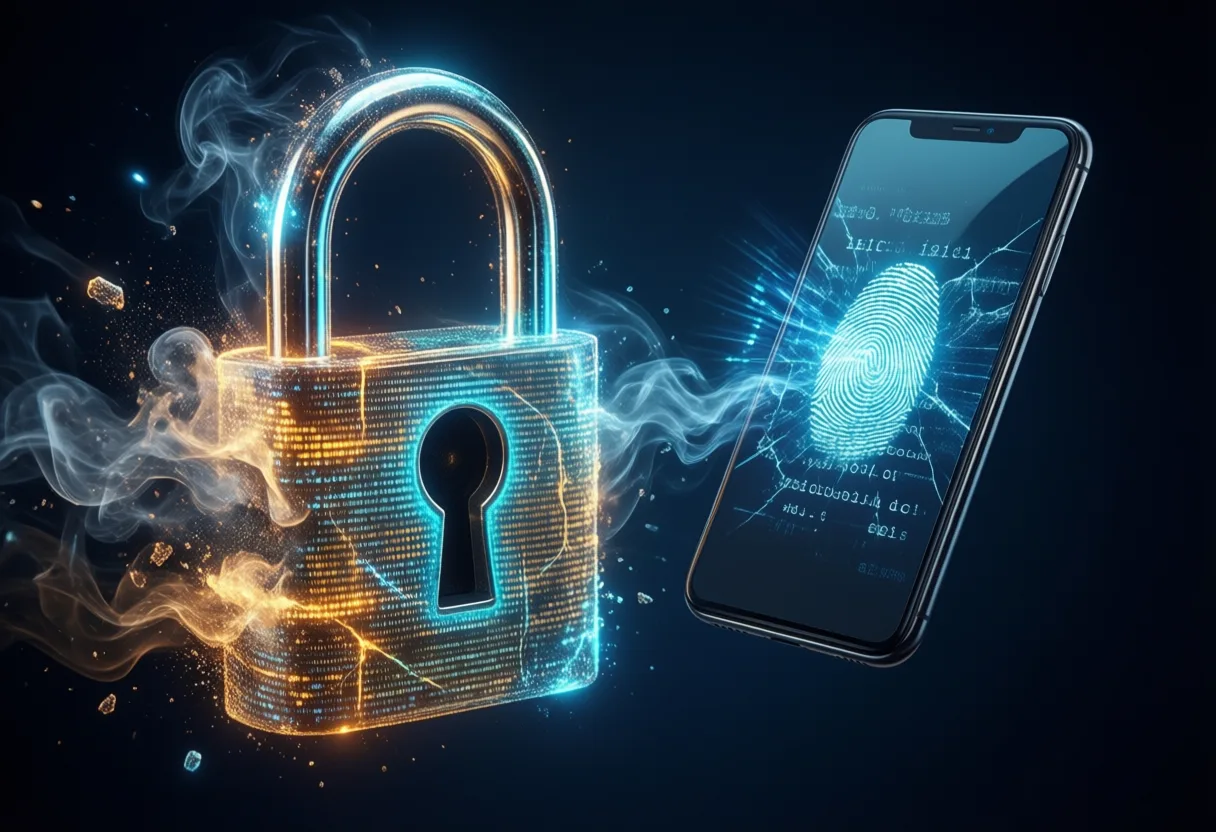
We’ve all been there-staring at a login screen, trying to remember which version of “P@ssw0rd!” We used this time, only to be locked out and forced through a recovery loop. That era is ending. A new standard is rising, not with louder alarms or thicker firewalls, but with silence: no passwords, no phishing, just Seamless, cryptographic certainty.
Passkeys are not just an upgrade-they’re a reinvention of how we prove who we are online. Built on public-key cryptography, they eliminate the weak link in digital security: us. No more guessing, no more reusing passwords, and crucially, no more falling for fake login pages. This is not science fiction. It’s here, now, and rolling out across Google, Apple, and major platforms.
What passkeys change about account security isn’t just convenience-it’s a fundamental shift from something you Know (a password) to something you Have And Are. Your phone, your biometrics, your identity fused with encryption. Welcome to the future of authentication.
How Passkeys Work: The End of Passwords as We Know Them
Passkeys replace traditional passwords with a cryptographic key pair: one public, stored by the service, and one private, securely stored on your Device. When you sign in, the website sends a challenge that only your private key can answer-proving your identity without ever transmitting the key itself. This is not a variation of two-factor authentication; it’s a complete replacement for passwords.
Because the private key never leaves your device, it can’t be intercepted by phishing sites or stolen in Data breaches. Unlike passwords, which are often reused or weak, passkeys are unique to each account and generated automatically. You don’t create them, remember them, or type them. You simply authenticate with your fingerprint, face, or device PIN.
This system is rooted in the FIDO Alliance standards, ensuring interoperability across platforms. Whether you're logging into a Google Account or an Apple ID, the underlying mechanism is the same: secure, passwordless, and user-centric. The result? A login process that’s both stronger and simpler.
- No shared secrets transmitted over the internet
- No password databases to breach
- No need to memorize complex strings
As Passkey: Simple and Secure Passwordless Sign-In - Safety Center explains, you log in to apps and websites using your fingerprint or facial recognition-no typing required. This isn’t just easier; it’s fundamentally more secure. And for the first time, security doesn’t come at the cost of usability.
Phishing Resistance: Why Passkeys Stop Scams in Their Tracks
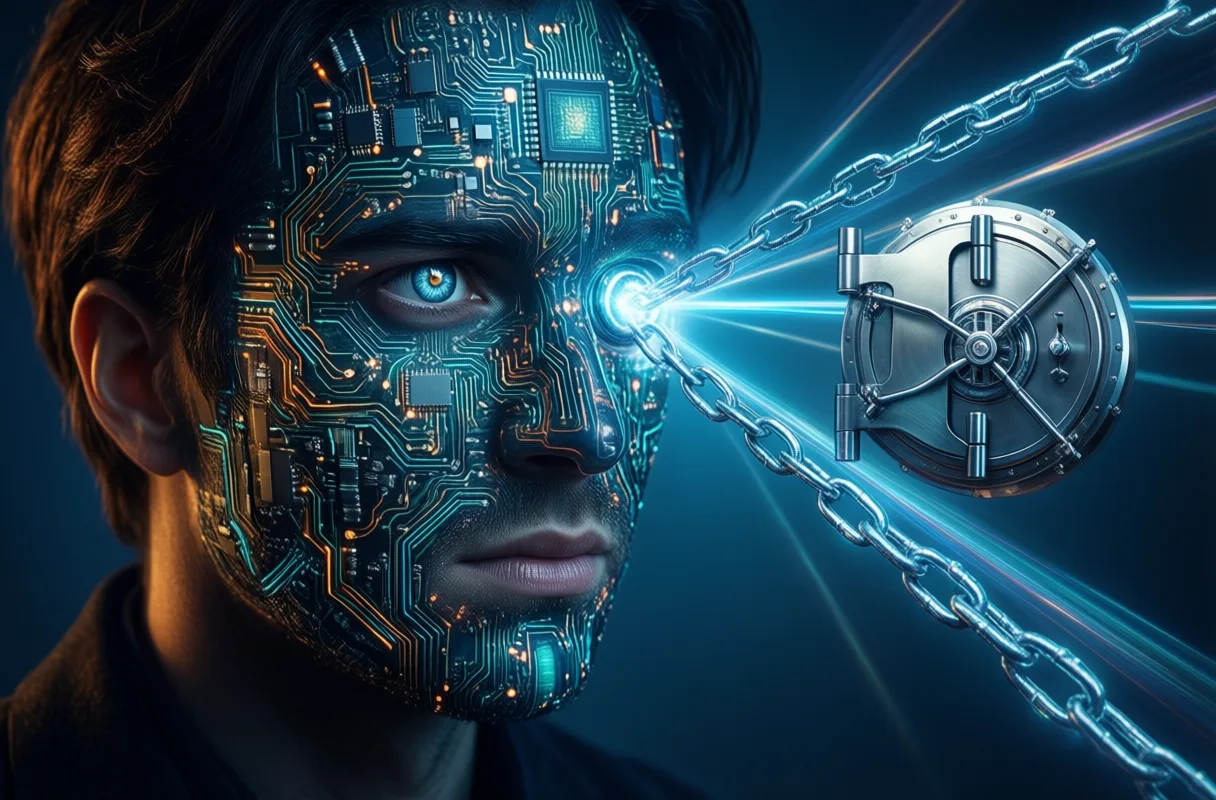
Phishing has long been the Achilles’ heel of online security. A convincing fake login page, a well-crafted email, and even savvy users can be tricked into handing over their credentials. With passkeys, that attack vector collapses. Passkeys are resistant to phishing, because they are bound to the legitimate website’s domain.
When you attempt to log in, the passkey only responds if the website’s domain matches the one it was created for. A fake site, no matter how realistic, cannot trigger your passkey to respond. The cryptographic handshake fails silently, blocking access without alerting the user to danger-because there is no danger to begin with.
This is a game-changer. According to the Passkeys: what you need to know - National Cyber Security Centre, passkeys can't be intercepted, reused, or stolen like passwords. This removes one of the most common ways accounts are compromised. No more credential stuffing, no more man-in-the-middle attacks-just cryptographic assurance.
Consider this: a phishing email might still reach your inbox, but it’s now powerless. Clicking the link leads nowhere, because the attacker’s server can’t authenticate with your passkey. It’s like handing a burglar a lock that only opens for the real homeowner-no matter how hard they try, the door won’t budge.
Even if a user is tricked into visiting a malicious site, the passkey remains secure. The private key stays on the device, protected by hardware security modules like Trusted Platform Modules (TPMs) or Secure Enclaves. There’s nothing to steal, nothing to phish, and nothing to guess.
This level of protection doesn’t rely on user vigilance. It’s built into the protocol. As Say Goodbye to Passwords: Passkeys Explained Simply - YouTube puts it, passkeys use cryptography instead of memorized secrets-turning security from a burden into an invisible shield.
Easier Authentication: Convenience Meets Unbreakable Security
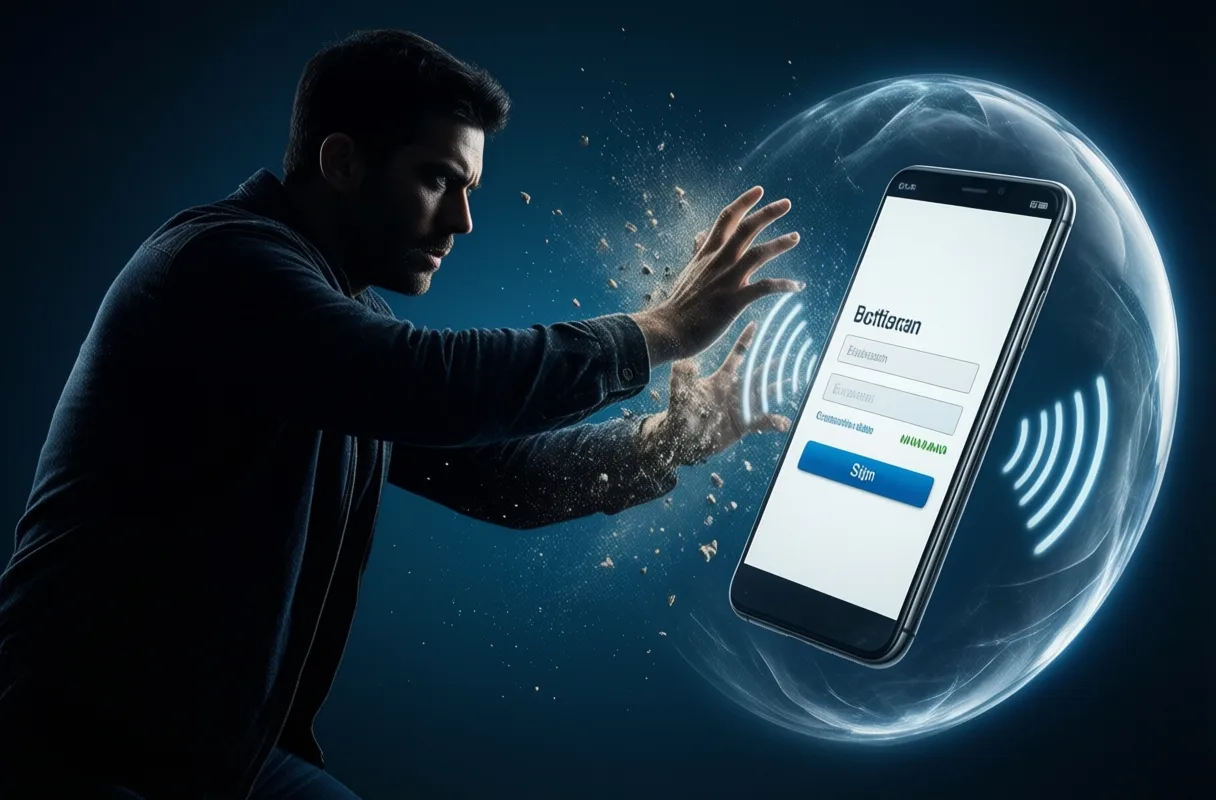
For decades, security and convenience have been at odds. Strong passwords are hard to remember. Two-factor tokens are clunky. Recovery flows are slow. Passkeys break this trade-off. They are faster to sign in with, easier to use, and much more secure-exactly as About the security of passkeys - Apple Support states.
Imagine unlocking your bank account with a glance, or signing into a new app with a fingerprint tap-no typing, no waiting, no six-digit code. That’s the reality passkeys deliver. That means less typing, fewer passwords to remember, and fewer frantic moments trying to enter a six-digit code, as noted in Passkeys Are Becoming the New Standard for Secure Sign-In.
This isn’t just about speed. It’s about accessibility. Users with cognitive or physical challenges often struggle with complex password entry. Passkeys lower that barrier, enabling secure access through biometrics or simple device prompts. Security becomes inclusive, not exclusive.
And setup is seamless. When you create an account on a supported site, the option to use a passkey appears automatically. Your device generates the key pair, stores the private key securely, and registers the public key with the service. No technical knowledge required.
Still, adoption isn’t universal-yet. Some services still require passwords, and syncing passkeys across devices can be tricky. As I Stopped Using Passwords. It's Great-and a Total Mess | WIRED notes, “Passkeys is having fewer passwords, but not necessarily no passwords.” Experts recommend setting up a few passkeys whenever you can, gradually reducing reliance on old systems.
But the direction is clear. As more platforms adopt the standard, the password will fade into obsolescence-much like the floppy disk or the dial-up modem. The future is passwordless, and it’s already here.
The Bigger Picture: A New Era of Digital Trust
Passkeys represent more than a login method-they signal a shift in how we think about digital identity. For too long, we’ve relied on fragile, human-generated secrets to protect our lives online. That model is broken. Passkeys offer a path forward: Secure by design, simple by default.
This isn’t just about protecting email accounts or social media. It’s about securing healthcare portals, financial systems, and critical infrastructure. When phishing fails, attackers lose their most effective weapon. Organizations can reduce fraud, cut support costs, and improve user trust-all with a technology that works silently in the background.
The standards are open, the implementations are interoperable, and the momentum is growing. From Google to Apple to Microsoft, the tech industry is aligning around a single vision: a passwordless world. And unlike past promises of “the end of passwords,” this one is finally delivering.
We’re not just making authentication easier-we’re making it trustworthy. In a world of deepfakes, AI scams, and rising cybercrime, that trust is priceless. Passkeys don’t just change how we log in. They change how we believe in the digital world.
And if you’ve ever felt fear in the face of cyber threats, know this: progress is coming. Just as courage is not the absence of fear but the choice to move forward, so too is innovation. For inspiration, consider Speeches About Overcoming Fear That Inspire change-because the future belongs to those who build it, not those who hide from it.
A Smarter Way to Log In
Remember scrambling to recall your password, only to get locked out after three tries? Or worse-falling for a fake login page that looked just like your bank’s? Passkeys flip the script on all that. Instead of typing in a password that could be guessed, stolen, or phished, you use something you have-like your phone-and something you are, like your fingerprint or face. It’s like having a digital skeleton key that only fits your lock and can’t be copied.
No More Phishing Panic
One of the biggest wins? Passkeys are phishing-resistant. That means scammers can’t trick you into entering your login on a fake website. Unlike passwords, which can be reused or intercepted, passkeys are tied to a specific site and rely on cryptography to verify you’re logging into the real thing. Even if you click a sketchy link, the passkey simply won’t work-cutting off a major avenue hackers use to break in.
Simpler Sign-Ins, Stronger Protection
Think of passkeys as your login autopilot. Once set up, you just tap, scan, or glance to get in-no typing, no recovery codes, no “forgot password?” Loops. They’re built into your devices, so your face or fingerprint becomes your password, but way safer. And because they’re designed to replace passwords instead of just adding another step, they make logging in faster while actually boosting security. Fewer passwords floating around means fewer chances for things to go sideways.
Frequently Asked Questions
How do passkeys prevent phishing attacks?
Passkeys are bound to the legitimate website’s domain and only respond to authentication challenges from that domain. Fake sites cannot trigger the passkey, so the cryptographic handshake fails and access is blocked.
What makes passkeys more secure than traditional passwords?
Passkeys use public-key cryptography with a private key stored securely on the device. The private key never leaves the device, can’t be intercepted or stolen, and isn’t reused across sites.
How do you log in with a passkey?
You authenticate using your fingerprint, face, or device PIN. There’s no typing required-just a simple tap, scan, or glance to verify your identity.
Are passkeys replacing passwords completely?
Passkeys are designed to replace passwords, not add to them. While adoption is growing across major platforms, some services still require passwords, so full replacement is ongoing.
This article was produced with AI assistance. How Neuron Magazine uses AI.
Neuron Magazine writes for Neuron Magazine - technology news, science, ai, robots and the future.